Research Portal
Design Case Study
Metrics showed the existing Research Portal lacked 'stickiness' and it was assumed that content was not easily discoverable and this was contributing towards the problem.
The site layout is too confusing and not retaining users
When defining the project outcomes mind maps were use to uncover hidden goals, ideas and assumptions. Key assumptions and ideas to take into research to validate / invalidate.
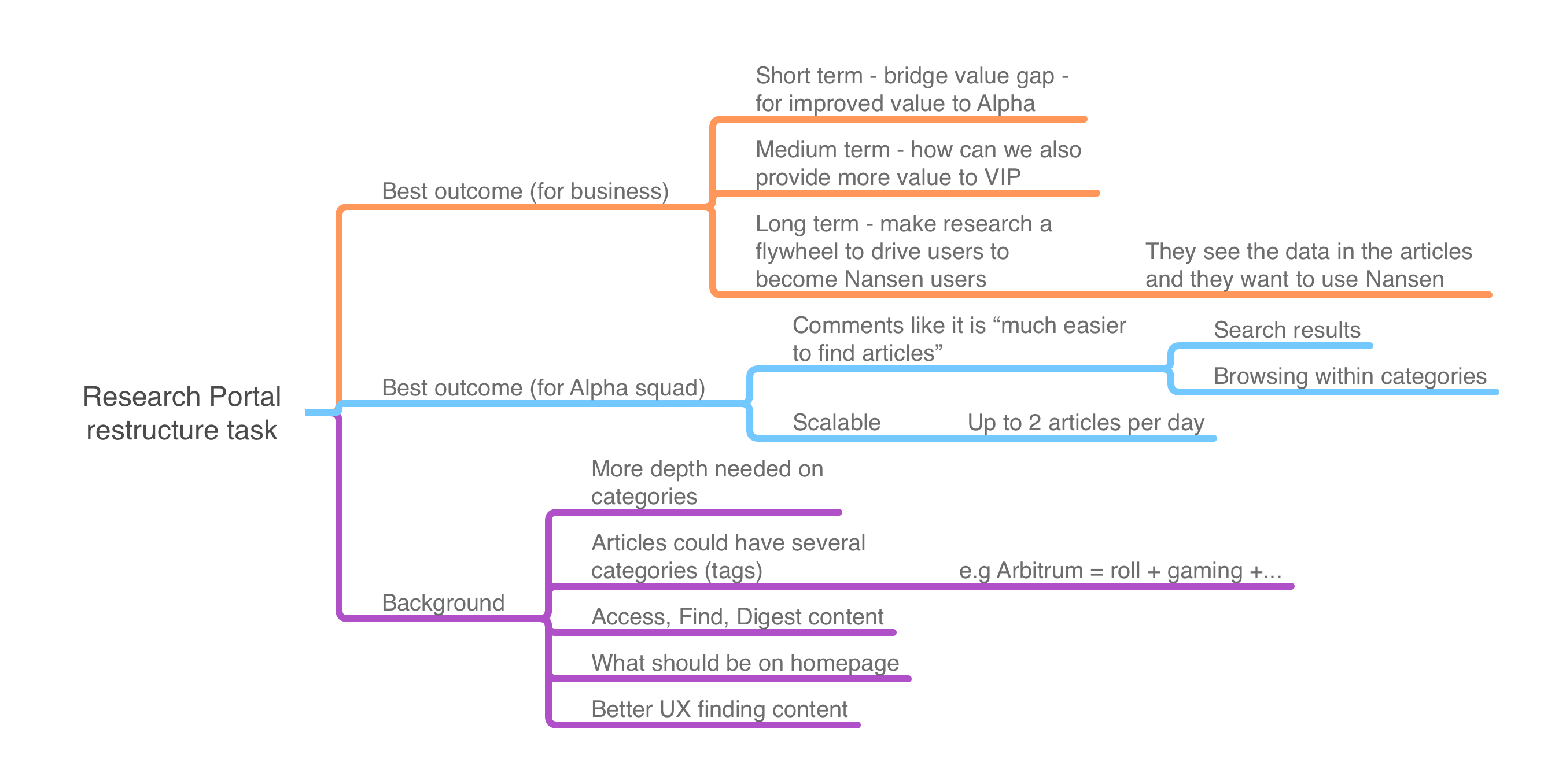
Kickoff Mindmap
The main assumptions were:
- The site layout is too confusing
- Users are struggling to find content
- Users would read more articles with more intuitive layout
For the first time in the product team, I conducted a card sorting exercise to arrange and inform a better information architecture and also conducted dozens of user interviews to understand user journeys and pains points.
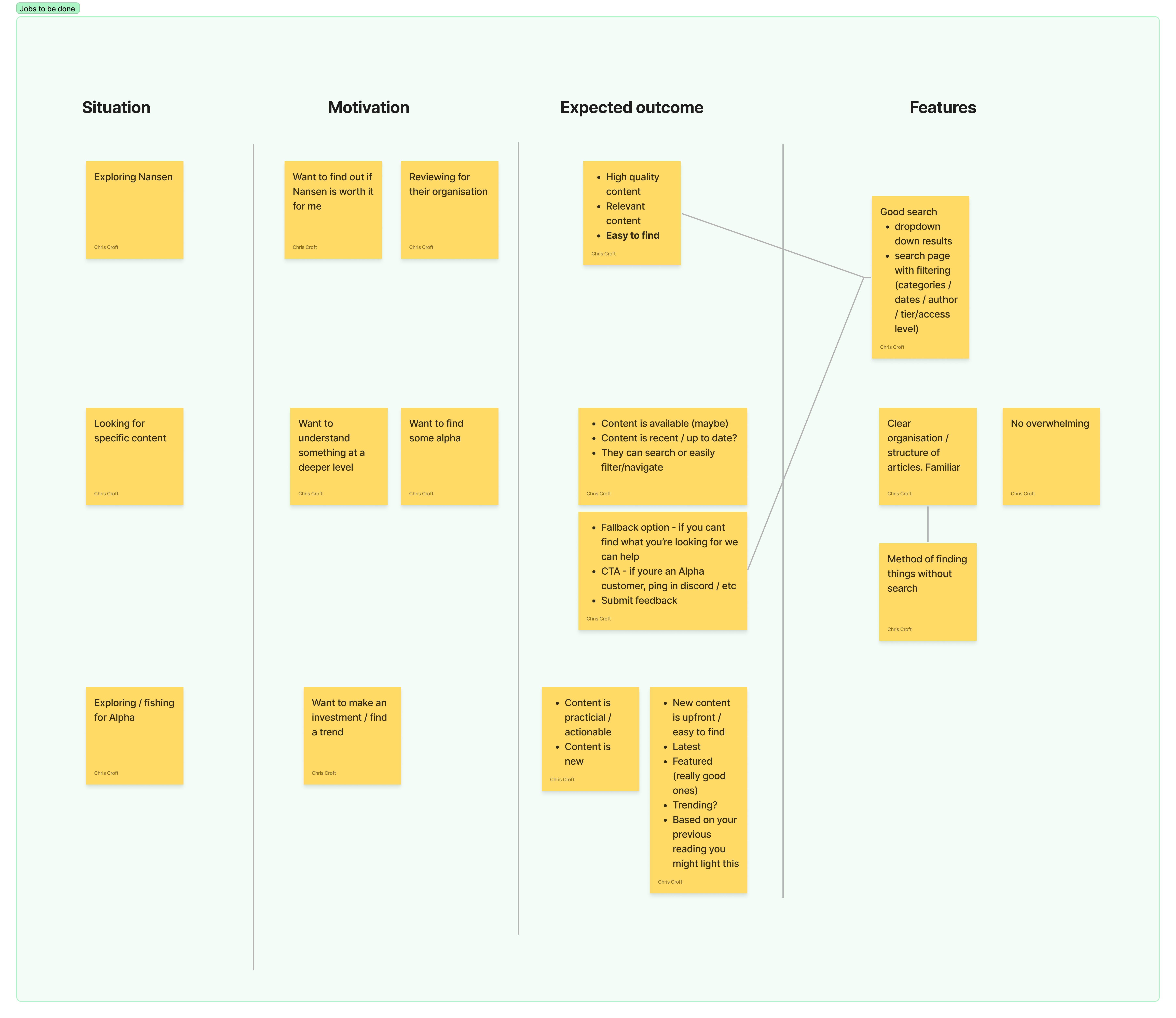
Jobs To Be Done
There were some big insights from user interviews that affected design and overall UX strategy:
- Users stated they rarely cared for the homepage after their first visit
- Seeing data visually was impactful in peaking interest
- Saving reports to read later was an essential part of users workflow
Although these insights were self-reported they allowed me to distill the following How might we statement:
How might we showcase our content and provide an intuitive UX to discovering and saving reports for later reading?
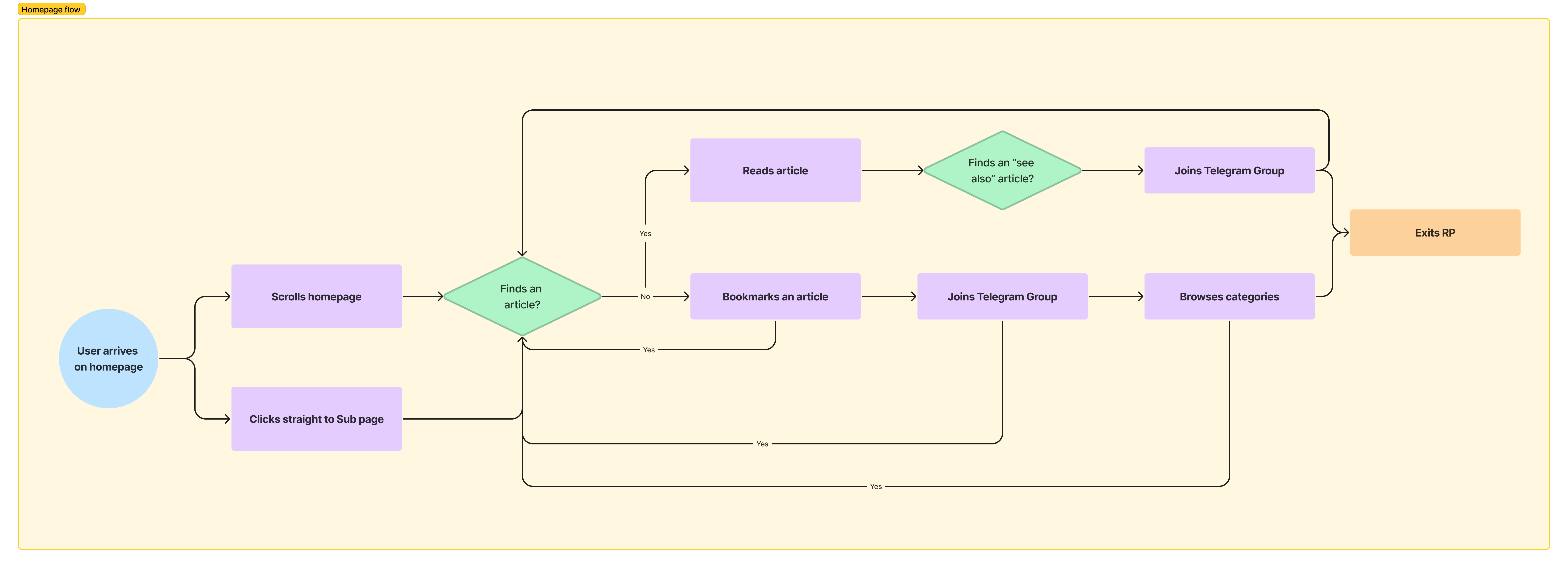
Homepage Flow Chart
I evaluated and assigned each section of the homepage a more deliberate purpose to provide more value to first time and returning users. Sections were varied in both in layout and also content style. The homepage was divided into sections:
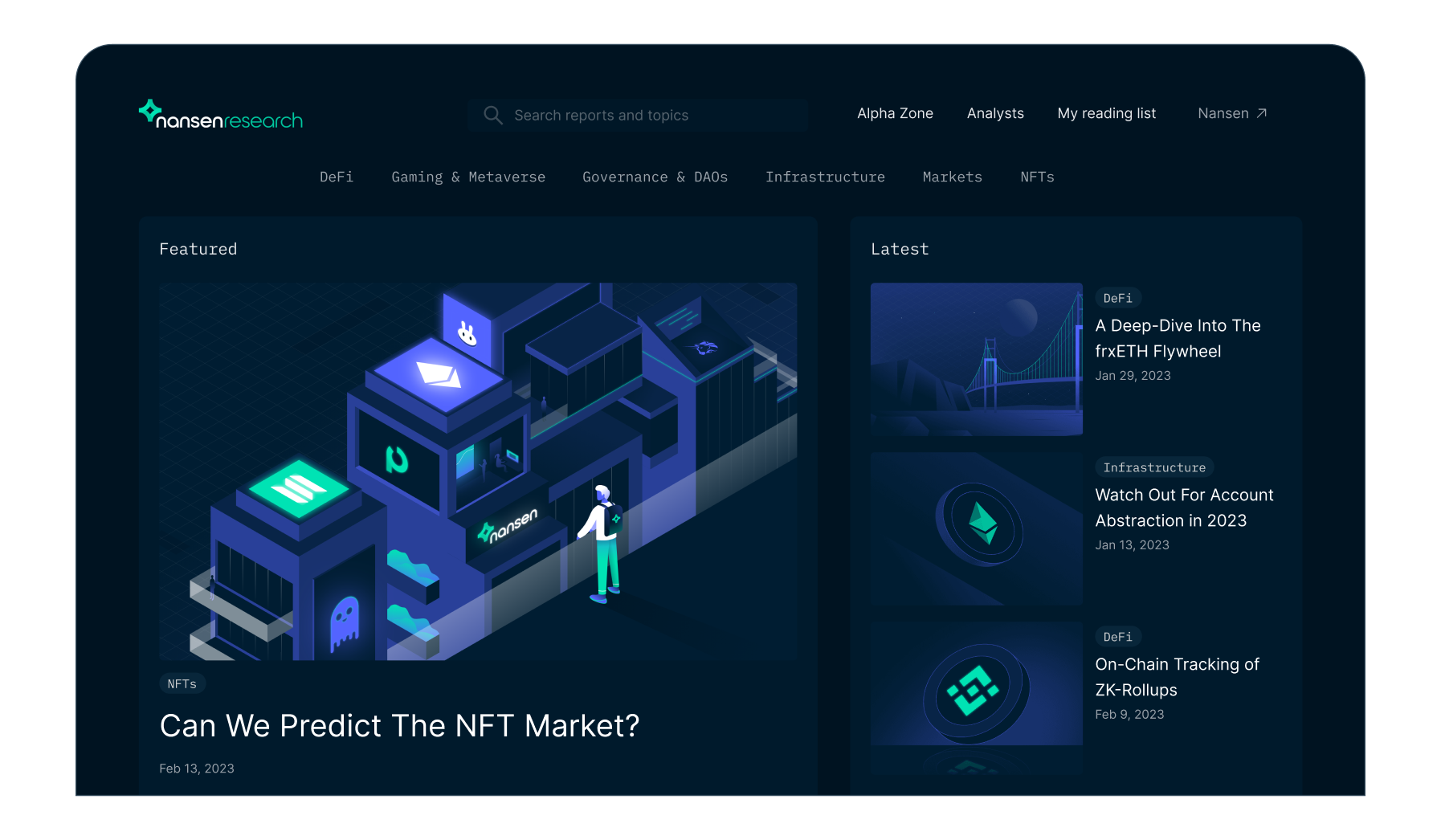
- Featured and latest articles
- Daily recurrent articles
- Slider showcase - with visual previews
- Article feed by category
- Newsletter CTA
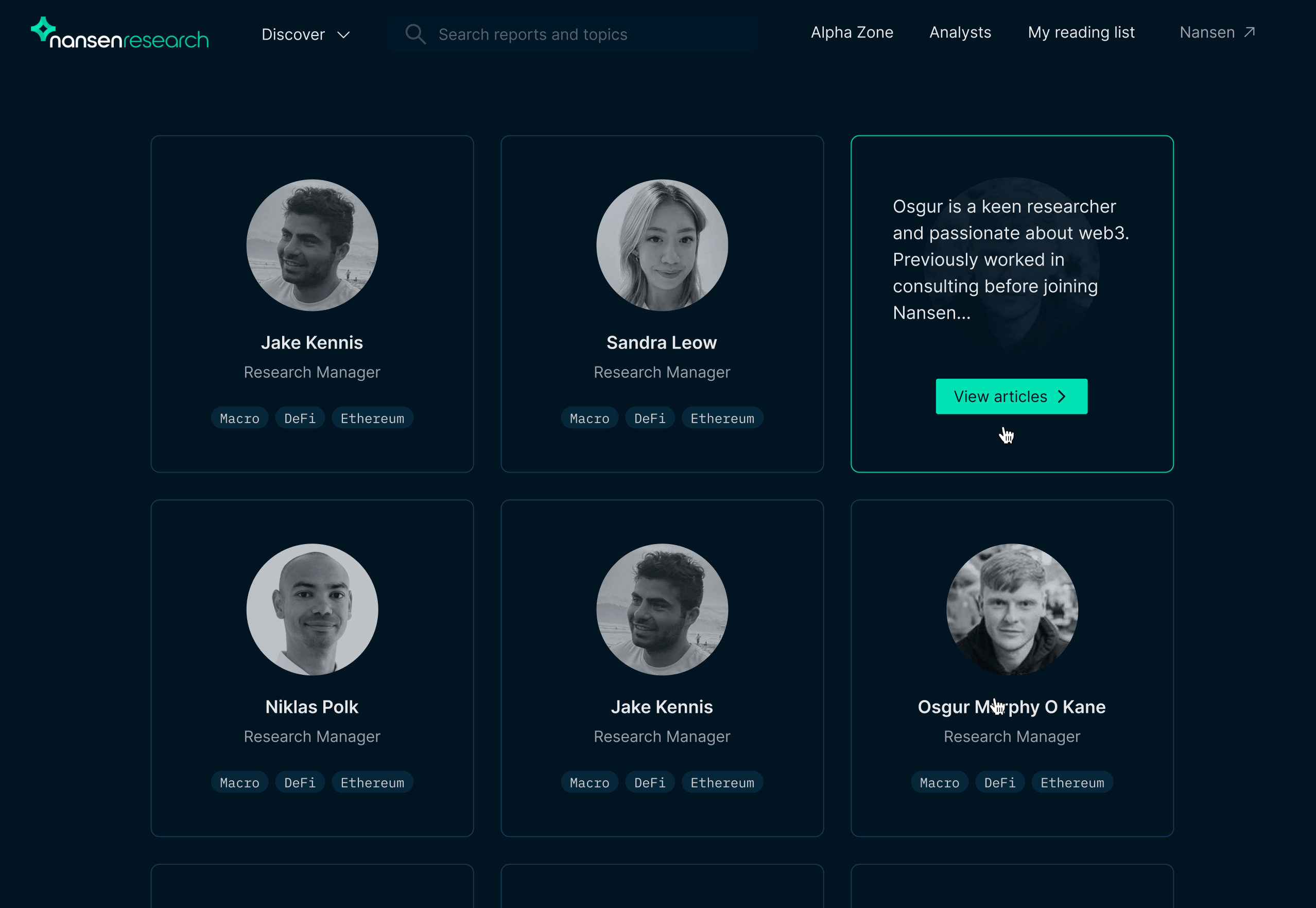
- Articles by authors
The sections were designed to be distinct and compliment each other but they could also be analysed for performance and tweaked individually.
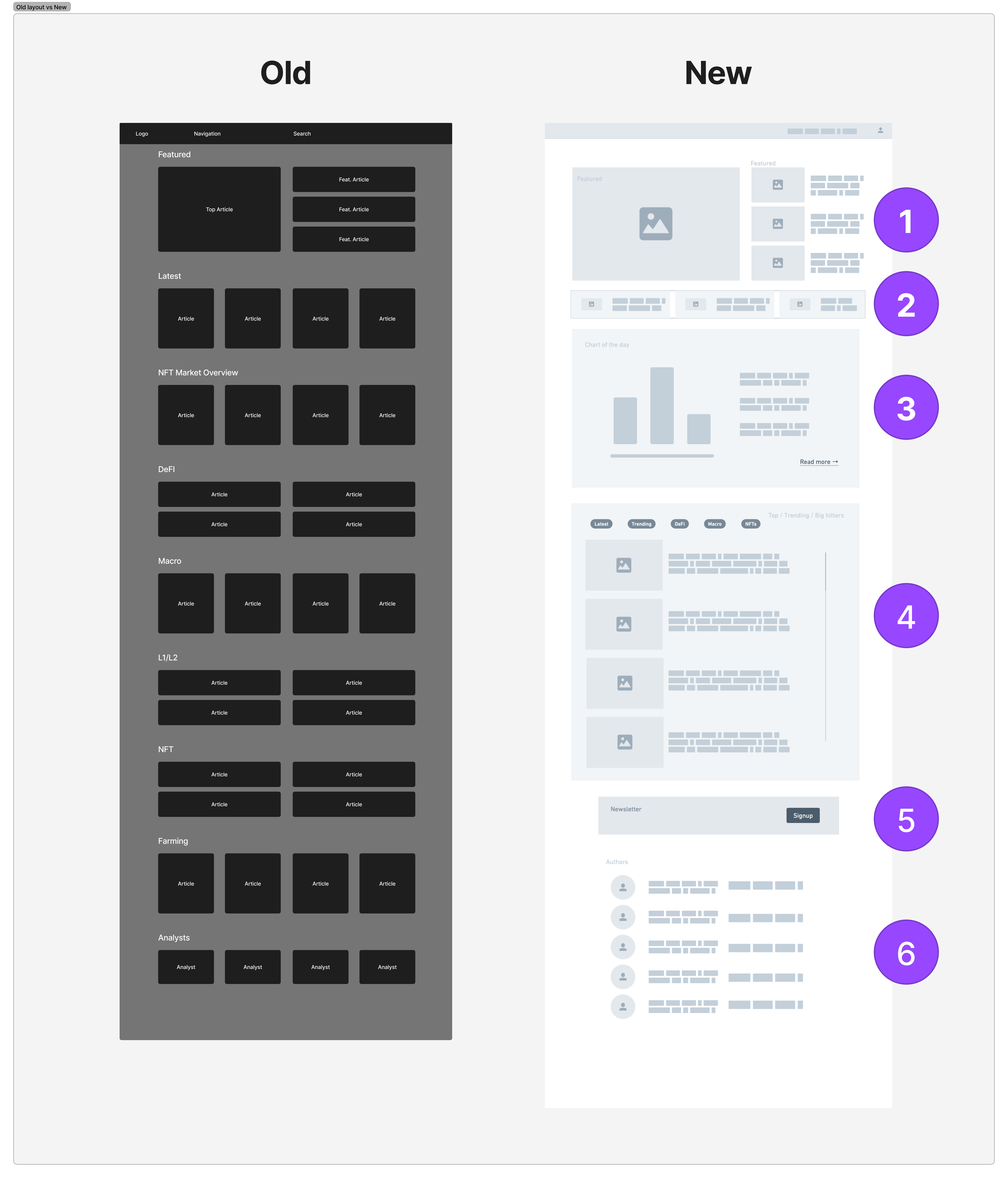
Homepage Layout Sections
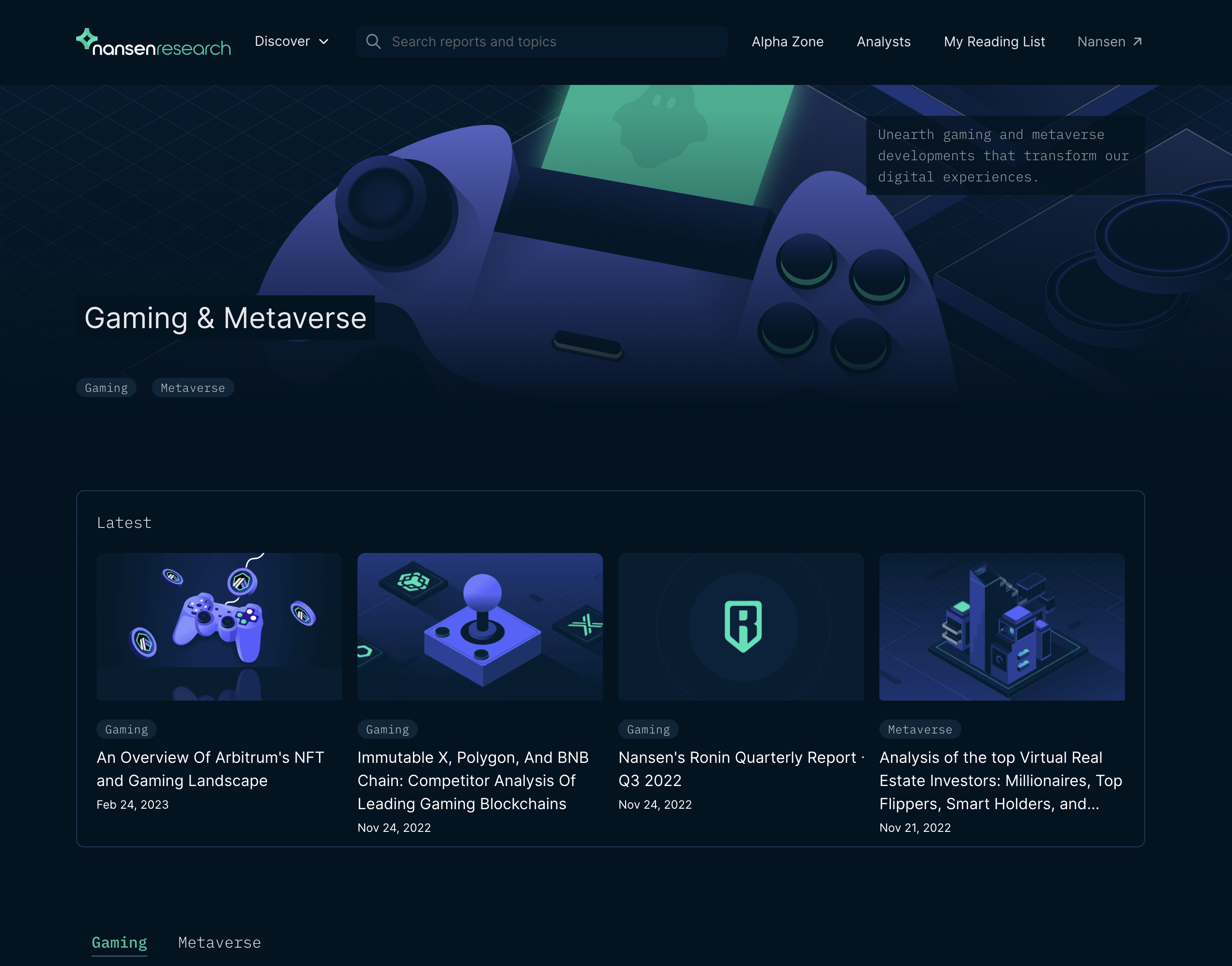
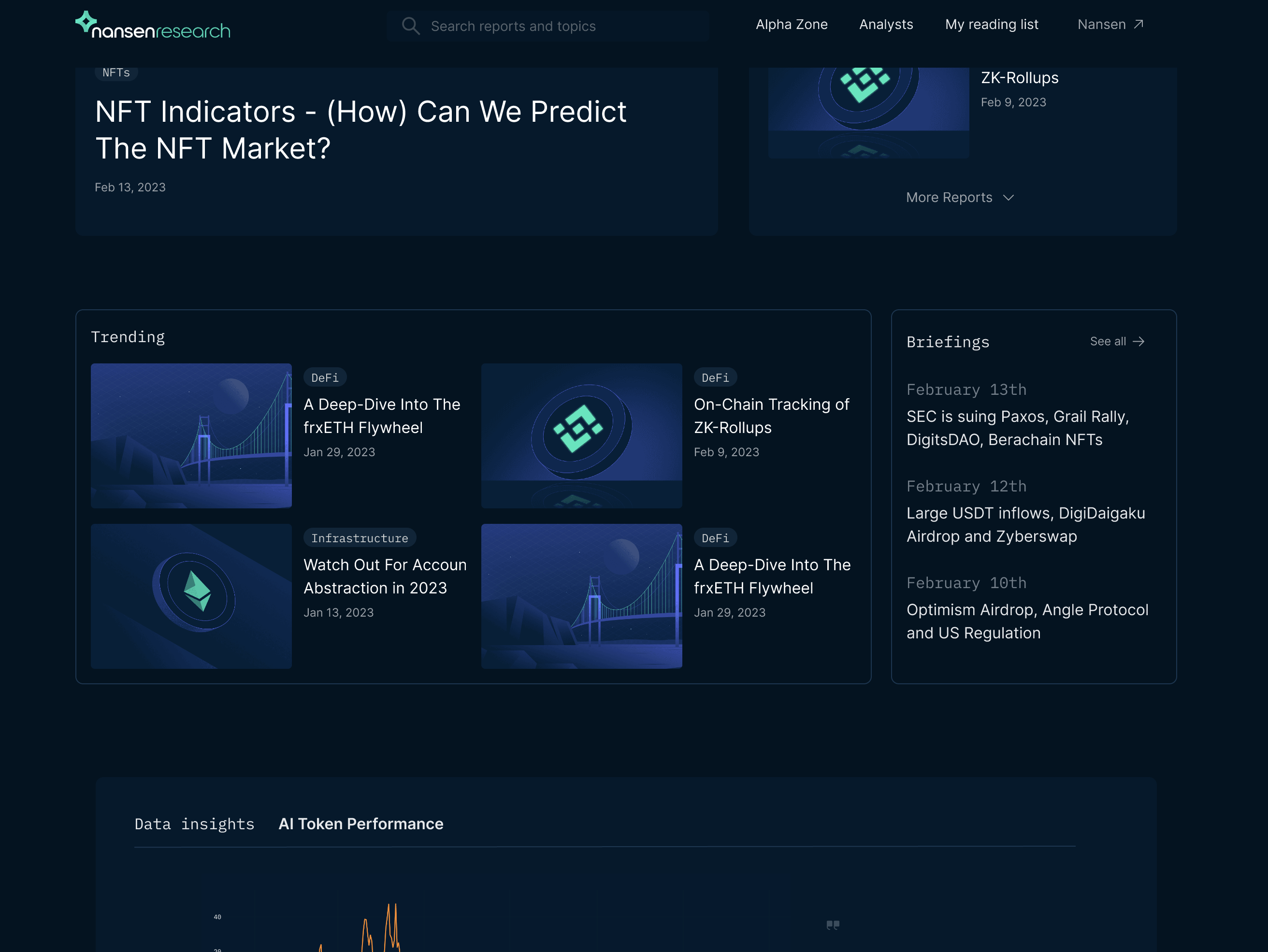
Final Designs